Guide
Images
How to choose an image generation model
June 23, 2026
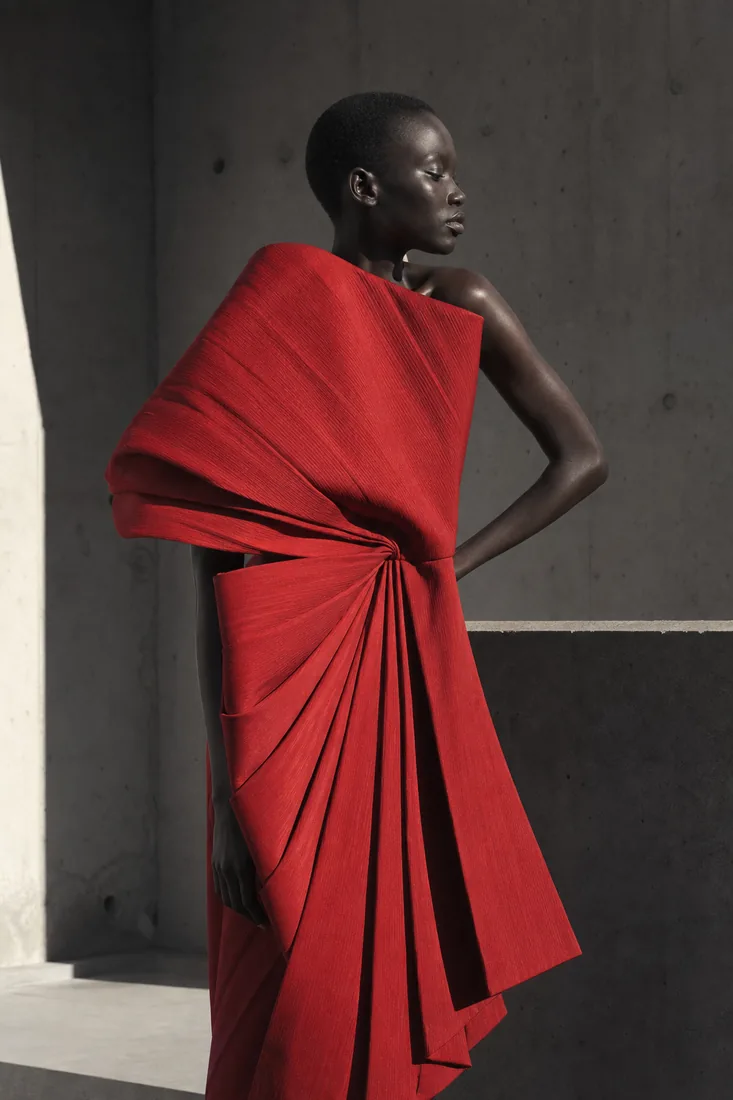
A flagship for photorealism, a model for accurate on-image text, or a quick draft in seconds? A short navigator through Visnea's image models — which to pick for each task.
Visnea's catalog has several image models, and each has its own character. Here's how to pick for the task.
Photorealism and complex scenes
- FLUX1.1 [pro] and FLUX1.1 [pro] ultra — flagships for photorealism, high detail and large posters (ultra goes up to 4MP).
- Imagen 4 — clean composition and photorealism from Google DeepMind.
- Seedream 4 — photorealistic frames with precise prompt following.
On-image text and typography
- Ideogram 2.0 — accurate text on posters and tidy composition.
- Recraft V3 — the leader for typography, logos and vector style.
- GPT Image — strong prompt adherence and well-rendered text on the frame.
Vivid colors and characters
- Nano Banana (Gemini 2.5 Flash Image) — vivid colors, accurate text and consistent characters across frames.
- Qwen Image — good text rendering and targeted editing at an affordable price.
Speed and drafts
- FLUX.1 [schnell] — the fastest model: drafts and iterations in seconds.
- FLUX.1 [dev] — a balance of price and quality for everyday generation.
- Stable Diffusion 3.5 Large — a versatile model with a rich ecosystem of styles.
Where to start
If unsure, take FLUX.1 [dev] for everyday tasks or Nano Banana for bright frames with text. Need maximum print quality — move to FLUX1.1 [pro] ultra. Compare each model's price on the Pricing page and run a generation in your cabinet.